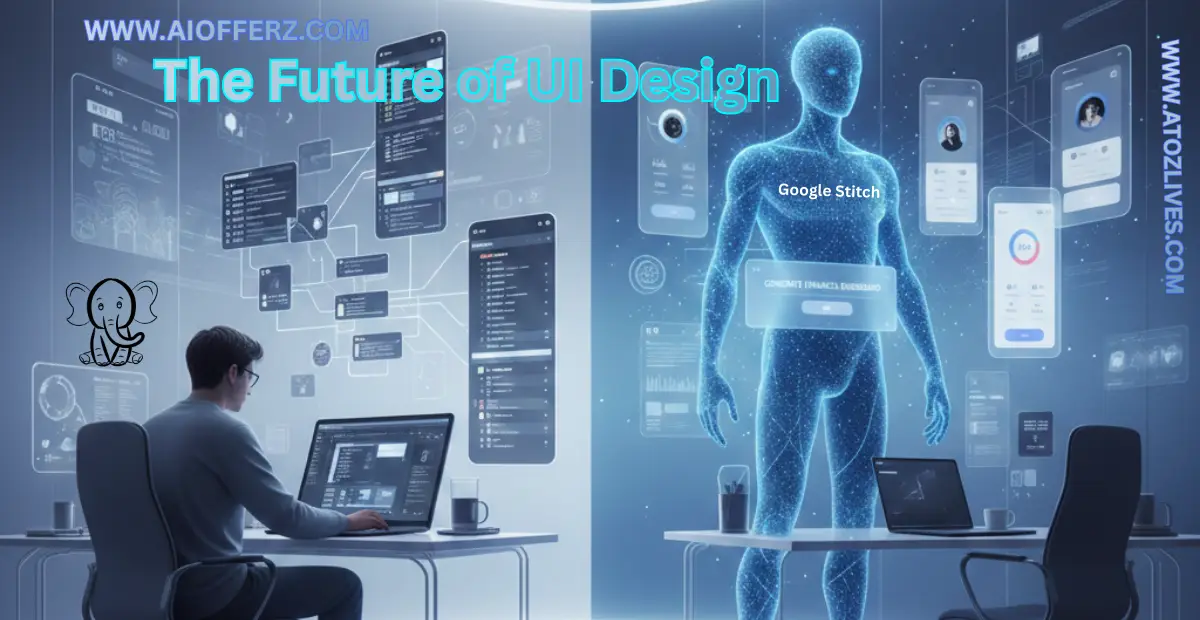
In the design world, 2025 will be remembered as the year the “Canvas” changed forever. For over a decade, Figma has been the undisputed king of UI/UX, turning design into a collaborative, multiplayer experience.
But a new challenger has emerged from the secretive halls of Google Labs: Stitch.
Unlike traditional tools that require you to manually drag rectangles and align pixels, Stitch asks you to do one thing: Describe it.
As “Vibe Coding” and AI driven development take over the US tech landscape. The question is not just about which tool is better than it is about whether the traditional design “hand off” is becoming obsolete.
Are You Ready To Get Paid To Review Apps On Your Phone Then Try It…
The Death of the “Pixel Pusher”
For years, a designer’s value was often measured by their speed in Figma as how fast they could build a design system or wireframe a login flow.
Stitch by Google Labs has turned that 4-hour task into a 4-second prompt.
What is Stitch?
Stitch is an AI powered UI engine built on Gemini 2.5 Pro.
It allows users to:
-
Convert text prompts into high fidelity, responsive UI.
-
Turn hand drawn sketches or whiteboard photos into editable digital interfaces.
-
Export designs directly into Figma or clean HTML or Tailwind CSS code.
Show Your Creativity By Designing Things Like TeeShirt And Wall Art To Earn Lot Of Money.
The Trend: From “Designing” to “Directing”
We are moving away from a world where designers create every element to a world where they curate AI outputs.
In the USA, top tier agencies are already using Stitch to generate 50 variations of a landing page in one meeting, choosing the best one and polishing it in Figma.
Real Working Of Stitch
Google Labs: Stitch is a smart AI tool. Its job is to help make app or website designs easily.
How does this tool work?
-
You tell your idea
You write what you want to make, for example:
“I want a fitness app with buttons and charts.” -
The AI understands your idea
Stitch reads your words and understands:-
What screens are needed
-
Where buttons should go
-
How the layout should look
-
-
Stitch makes the design
Then Stitch creates:-
App or website screens
-
Buttons and text in the right places
-
A clean and nice looking design
-
-
You can ask for changes
If you do not like something then you can say:
“Make the button bigger” or “Change the color to blue”
Stitch quickly fixes it. -
Ready for developers
The design is made so developers can easily turn it into a real app or website.
Want To Buy Lovely T-Shirts…
Why is Stitch useful?
-
No coding needed
-
Very easy to use
-
Saves time
-
Great for beginners
Example
If you say: “I want a school timetable app”
Stitch will create:
-
A timetable screen
-
Class boxes
-
A neat and simple design
In short you can say that Google Labs: Stitch listens to your words and turns them into a beautiful app or website design.
Want To Get Online Cash…
Stitch vs Figma- The Great Showdown
| Feature | Traditional Figma Workflow | Google Stitch AI Workflow |
| Startup Time | Hours (Grid setup, components) | Seconds (Natural language prompt) |
| Effort Level | High (Manual alignment) | Low (AI generated layouts) |
| Code Handoff | Requires Dev Mode or Plugins | Native HTML or Tailwind Export |
| Iteration | Manual tweaks | Conversational (“Make it dark mode”) |
| Best For | High fidelity brand soul | Speed, MVPs and rapid prototyping |
Why Stitch is Winning the “Figma vs AI” War
1. The Multimodal Advantage
Figma AI features like Figma Make are impressive but Stitch is backed by Google’s entire multimodal ecosystem. You can take a screenshot of a competitor’s app, mark it up with a pen.
Now tell Stitch: “Rebuild this but for a Pet Care app with a blue theme.” The AI understands the visual hierarchy instantly.
2. Elimination of the “Handoff Gap”
The biggest friction in US software development is the gap between what a designer draws and what a developer builds. Stitch bridges this by providing clean, semantic code right out of the box.
It does not just look like a button. It is a button in React or HTML.
“Live Chat Jobs – You have to try this one”
Is Figma Actually Dying? (The Expert Opinion)
To say Figma is “dying” is a bit of an exaggeration but its monopoly is ending.
-
Figma remains the home for “Brand Soul”- the complex, empathetic design decisions that AI can not yet make.
-
Stitch is becoming the home for “Production Speed”- the 80% of UI work that is repetitive and standard.
In the 2026 design landscape the most successful US designers won’t choose one.
They will use Stitch for the “Bones” and Figma for the “Beauty.”
Live Case Study: From Blank Screen to “Live” Landing Page in 120 Seconds
To test if Stitch (Google Labs) truly lives up to the hype, I conducted a live experiment. My goal was to build a high-conversion landing page for a fictional AI startup, “NeuralFlow” without touching a single line of manual code.
The Challenge:
-
Subject: A B2B SaaS platform for AI workflow automation.
-
Constraints: Must include a sticky header, a hero section with a video placeholder, a pricing grid and a testimonial slider.
-
Time Limit: 2 Minutes.
The Workflow:
0:00 – 0:15 (The Prompting Phase): I entered the following prompt into Stitch Experimental Mode:
“Design a modern B2B SaaS landing page for ‘NeuralFlow’. Use a clean white and slate-900 palette with electric blue accents. Include a sticky navigation bar, a hero section with a ‘Get Started’ CTA, a 3-tier pricing table and a testimonial section using card layouts. Ensure mobile responsiveness.”
0:15 – 0:45 (The Generation): Within 30 seconds, Stitch laid out the entire structure. The AI intelligently grouped the pricing cards and even added a “Most Popular” ribbon to the middle tier- a small detail that usually takes minutes to code manually.
0:45 – 1:30 (Refinement via Chat): I wanted a more premium feel.
I typed:
“Add a backdrop-blur effect to the sticky header and change the hero section background to a subtle mesh gradient.” Stitch updated the Tailwind classes instantly.
1:30 – 2:00 (The Export): I clicked the “Code” tab, copied the generated HTML and Tailwind classes and pasted them into a fresh React project.
The Final Result:
-
Total Time: 1 minute and 52 seconds.
-
Code Quality: 100% semantic HTML.
-
Mobile Score: Passed with fully responsive grid layouts.
My Verdict: For a startup founder or a developer in a rush, Stitch is not just a design tool but it is a time machine. It effectively eliminated the “Blank Canvas” syndrome and gave me a production ready starting point in under two minutes.
| Both Body and Mind remains Healthy If you are using it. |
| To get relief from Knee,Hip and Back Pain use it. |
| You can use it to be Healthy and Fit forever. |
| You can go for this to get natural Glowing Skin. |
FAQs
1. Does Google Stitch replace Figma entirely?
No. Think of Stitch as the “Architect” that builds the structure and Figma as the “Interior Designer” that perfects the craft. Most pros use Stitch to generate the first draft and then export it to Figma for final polish.
2. Can I use my own design system in Stitch?
Currently, Stitch uses its own internal logic based on Material 3 but Google is rolling out “Theme Tokens” that allow you to lock in your brand’s colors and fonts.
3. Is Stitch available for free?
Yes, it is currently in “Labs” preview mode. You get around 350 screen generations per month for free which is plenty for most freelancers.
Want To Buy Lovely T-Shirts…
4. How do I export from Stitch to Figma?
There is a “Copy to Figma” button. Once clicked you simply paste it into a Figma frame and it maintains all layers and Auto Layout settings.
5. Does it support Dark Mode?
Yes. You can switch the entire design to Dark Mode with one click or by simply asking the AI in the chat.
6. Is the code generated by Stitch SEO friendly?
Yes, the HTML and CSS generated is semantic and follows modern web standards which is excellent for basic SEO performance.
7. Can I build a full mobile app with Stitch?
You can design the UI and User Flow for an entire app but you will still need a developer or another AI like Replit Agent to build the backend logic.
8. What makes Stitch better than v0.dev?
While v0 is great for React components, Stitch is a Visual-First tool. Its ability to “read” sketches and screenshots makes it more flexible for the early design phase.
9. Is my data safe with Google Labs?
Stitch has a “Privacy Toggle” in the settings. You can choose whether or not Google uses your designs to train their future AI models.
10. Do I need to know how to prompt to use it?
Not really. Stitch is designed for Plain English- Just describe what you want like you are talking to a human designer.
About AIOFFERZ.COM
We help professionals and businesses elevate their digital presence with AI. Subscribe for weekly guides on personal branding, design hacks and productivity tools all for free!
Ready to Begin?
➜ Click Here to explore top rated affiliate programs on ClickBank!
➜ Reach Our Free Offers: “Come Here To Earn Money By Your Mobile Easily in 2025.”
Want To Read More Then Click Here…
If You Are Interested In Health And Fitness Articles Then Click Here.
If You Are Interested In Indian Share Market Articles Then Click Here.
Thanks To Visit Our Website-We Will Wait For You Come Again Soon…