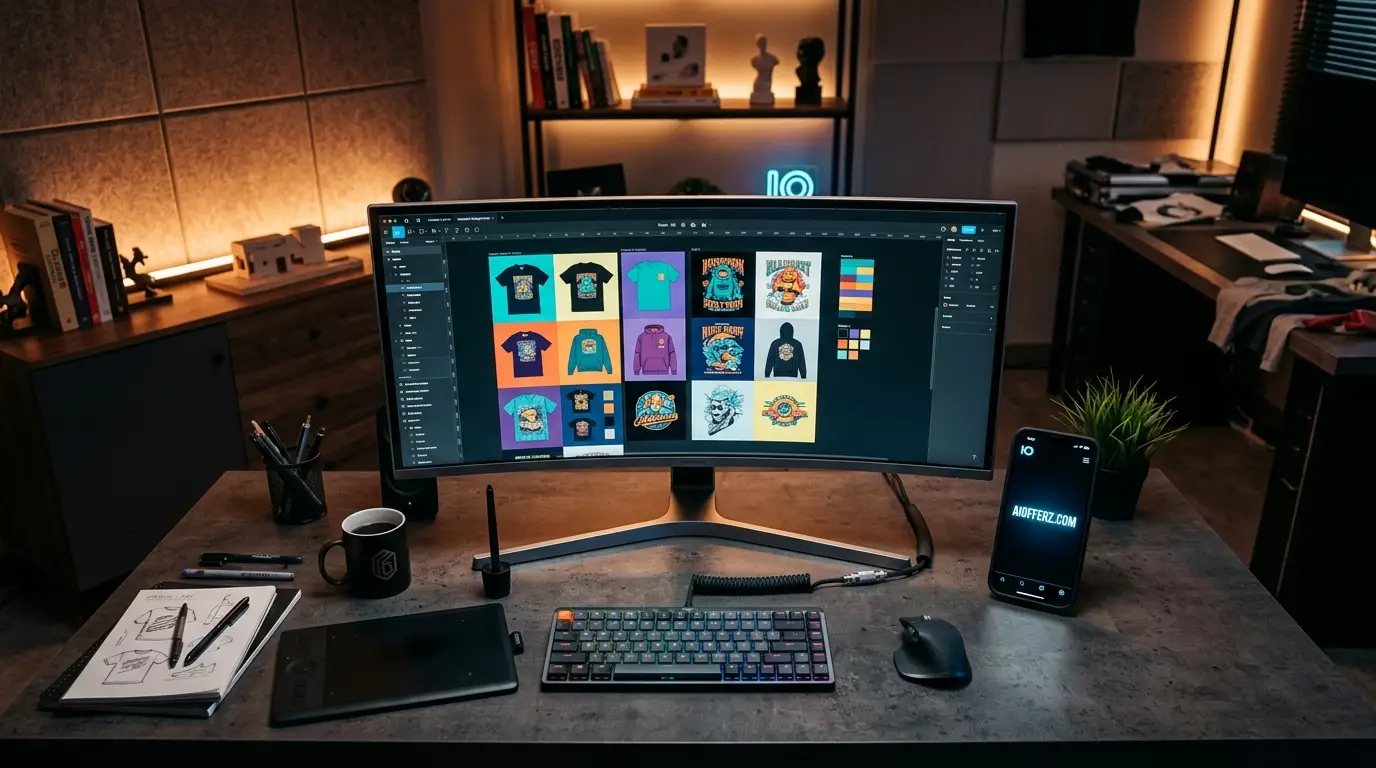
Six months ago, my digital print-on-demand storefront on Etsy USA was stuck in a frustrating loop of manual labor. I was spending upwards of six hours every single day generating beautiful assets inside Midjourney.
only to get bogged down by the grueling process of editing out backgrounds, adjusting canvas boundaries and manually centering graphics onto product mockups.
Every single listing felt like a mountain of micro-tasks. The moment I realized that high-volume production requires a structural shift, I re-examined the legal boundaries of my subscription plan and engineered an automated processing pipeline.
By pairing the commercial safety of a premium Midjourney tier with lightweight terminal scripts and advanced canvas formatting tools, I watched my daily design upload capacity jump from five items to over a hundred.
This is not about theoretical shortcuts; it is a proven framework that saves hundreds of manual hours and allows you to scale a commercial storefront with surgical precision.
Want To Use Other AI To Write…
Understanding the Legal Infrastructure of Your Midjourney Subscription
Operating a successful print-on-demand empire targeting the United States market requires an absolute certainty regarding intellectual property rights.
If you want to sell posters, apparel, or canvas art to consumers in America, you cannot afford legal ambiguity.
Midjourney grants full commercial usage rights to any individual who generates assets while maintaining an active paid subscription plan.
This foundational permission remains intact even if you subsequently decide to cancel your subscription down the road.
However, corporate entities scaling past the one-million-dollar threshold in gross annual revenue must specifically secure a Pro or Mega tier plan to maintain compliance.
For small business owners and independent digital entrepreneurs, a standard or basic paid tier provides a bulletproof legal framework to monetize generated graphics.
The true competitive advantage emerges when you stop looking at the platform as a simple image generator and start treating it as the raw asset engine of an automated production line.
Wanna Use CustomGPT AI…
Setting Up Your Master Prompt Engineering for Layout Accuracy
Before you can feed any visual asset into an automated formatting pipeline, your image generation process must produce highly clean, predictable and isolated elements.
Randomly prompting abstract concepts will lead to massive errors during the programmatic background removal stage. To avoid extra manual touch-ups, you must implement strict structural parameters directly inside your generation commands.
When designing for t-shirts, sweatshirts or isolated wall posters, always employ modifiers like vector style illustration, flat white background, sharp clean edges and explicit asset isolation.
Avoid complex cinematic lighting that bleeds into the surroundings. By enforcing a solid monochrome background, you allow your downstream programmatic processors to isolate the central graphic with absolute fidelity.
Furthermore, utilize the raw style parameter whenever you need to strip away default artistic choices that complicate the geometric boundaries of your primary subjects.
Using Many AI’s For Many Work, Solution Is Here…
Programmatic Background Removal and Asset Cleanup
Once your high-resolution graphics are generated, the next major bottleneck is background isolation. Doing this by hand inside standard graphic design software kills your scalability.
To automate this phase, professional digital creators rely on command-line tools or specialized python utilities that execute batch alpha-channel isolation.
By running a localized command-line script utilizing open-source libraries or lightweight image-processing tools, you can point a single command to an entire folder containing fifty new graphic assets.
Within seconds, the system scans each file, detects the solid white or black background boundaries and converts those pixels into perfect transparency.
The resulting output is a clean, web-ready graphic containing nothing but your primary design element, prepared seamlessly for the next stage of the layout pipeline.
Building Automated Canvas Layouts for Etsy Print-on-Demand
Wall art and wrapped canvas products are exceptionally profitable on Etsy USA, but they require precise physical dimensions and specific aspect ratios.
Manually resizing an image to fit an 8×10 canvas, an 11×14 frame or a 16×20 poster layout is a recipe for creative burnout. Automation changes the game entirely.
By utilizing batch-action files or layout macros inside professional design suites, you can construct a master template library.
A basic automated layout script can instantly take your isolated graphic asset, place it onto a predefined print canvas, center it perfectly along both horizontal and vertical axes and apply a standardized margin to ensure no critical details are clipped during the printing process.
This means a single master asset can be expanded into six distinct physical product size variations in less than three seconds.
“Live Chat Jobs – You have to try this one”
Automating the Packaging and Exporter Sequences
The final technical step before your files can be uploaded to production partners involves file optimization and metadata assignment.
Print providers require print-ready files to be exported at a minimum threshold of 300 dots per inch to prevent blurriness and pixelation on the final physical product.
You can set up your automated layout engine to automatically scale every canvas up to high-resolution print specifications during the export sequence.
The system saves the resulting documents into highly organized folder structures, automatically appending relevant size flags to the filenames.
This degree of structural organization allows you to use bulk upload mechanisms provided by integrated print partners, connecting your automated layouts directly to active print manufacturing centers in the United States.
You can try it to save homes from the energy crisis and reduce electricity bills.
Optimizing the Entire System for Maximum Production Efficiency
True high-volume digital entrepreneurship relies on eliminating repetitive decision-making.
When you establish a daily routine where your prompt generation phase, background isolation phase and canvas formatting phase flow seamlessly into one another, you free up massive amounts of mental bandwidth.
Instead of spending your day clicking tiny buttons on an editing screen, you shift your energy toward studying fast-moving market trends in America, tracking seasonal design demands and refining your core prompt structures.
The goal of automation is not to replace human creativity but to build an unyielding technical framework that amplifies your creative output by a factor of ten.
FAQs
1. Do I lose the right to sell my designs if I stop paying for my subscription?
No, the commercial permissions granted to you at the time of asset generation are permanent, meaning you can continue selling your archived creations even after your active subscription expires.
2. Can a company earning over one million dollars use a basic subscription tier?
No, corporate entities generating more than one million dollars in gross annual revenue are contractually required to purchase either a Pro or Mega tier plan to maintain legal commercial compliance.
3. Why do my automated scripts struggle to remove background colors cleanly?
This typically happens when your initial prompts allow soft shadows or complex ambient gradients to blend into the background which confuses the automated color-threshold detection.
4. What is the best resolution standard for physical wall art posters?
You should always ensure your automated export system renders final print files at a minimum resolution of 300 dots per inch to guarantee high clarity on physical mediums.
5. How do I prevent my central designs from getting cut off during product manufacturing?
Your layout templates must include a strict safety margin or bleed zone around the perimeter of the canvas to keep your central graphic safe from printing misalignments.
6. Is a separate licensing fee required for every individual item I sell on Etsy USA?
No, your primary subscription covers an unlimited volume of commercial generations and physical merchandise sales without any per-item royalty payments.
7. Can I protect my automated graphic creations with an exclusive copyright?
Current legal guidelines in the United States indicate that purely generative artwork lacks human authorship and cannot be fully copyrighted, though your unique layouts and composite product arrangements may receive distinct protections.
8. What approach should I take if a print-on-demand vendor requires specific CMYK color profiles?
You can easily insert a color-space conversion command directly into your automated batch export script to shift images from standard digital profiles to specific print profiles seamlessly.
9. How can I scale my workflow if my computer struggles with heavy batch processing?
If your local hardware encounters performance bottlenecks, you can migrate your automation scripts to cloud-based development environments or remote virtual servers to handle massive image processing tasks.
10. Does this layout automation approach work for complex double-sided apparel designs?
Yes, you simply need to build layout macros that look for distinct asset files and assign them to separate, pre-mapped print areas designated for both the front and back of the garment.
Ready to Begin?
➜ Click Here to explore top rated affiliate programs on ClickBank!
➜ Reach Our Free Offers: “Come Here To Earn Money By Your Mobile Easily in 2025.”
Want To Read More Then Click Here…
If You Are Interested In Health And Fitness Articles Then Click Here.
If You Are Interested In Indian Share Market Articles Then Click Here.
Thanks To Visit Our Website-We Will Wait For You Come Again Soon…
Want To Read More About AI Then Click Here…